How to Top Up PlayStation Store (PSN)? 2026 Guide
 Łukasz Kafel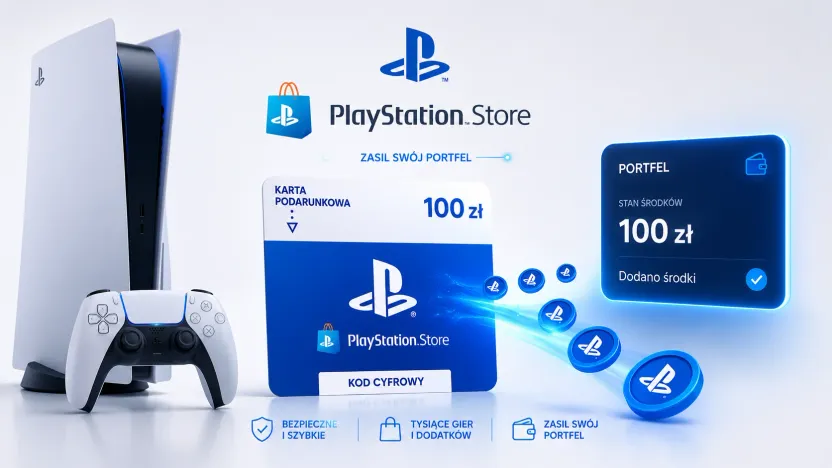
You top up your PlayStation Store wallet with a 12-character top-up code (PSN). You can redeem the code in a browser or directly on your console — the funds land in your wallet, ready to spend on games, add-ons and a PlayStation Plus subscription.
How to redeem a PSN code in a browser?
- Buy a PlayStation Store top-up — on payticon.com the code arrives by email right after purchase.
- Go to the PlayStation Store website, click your avatar icon and open the menu.
- Select “Redeem codes”, enter the 12-character code and click “Redeem”.
How to redeem a PSN code on a PS5 console?
Go to Settings → Users and Accounts → Account → Payment and Subscriptions → “Redeem Codes”, then enter the code. On PS4 the path is similar, though slightly different — you’ll find the exact steps for every device in PlayStation’s official guide to redeeming voucher codes.
| Redemption method | Path |
|---|---|
| Browser | PS Store → avatar → “Redeem codes” |
| PS5 console | Settings → Account → Payment and Subscriptions → “Redeem Codes” |
How much does a PSN top-up cost? What values are available?
PlayStation Store top-up codes come in several values — from amounts that cover a single add-on to values large enough for a full game or a yearly PlayStation Plus subscription. You’ll find current values and prices on the PSN product page. Funds from several codes add up in your wallet, so you can build up enough for a bigger purchase.
Does the PSN code depend on your account region?
Yes. A code for the Polish market can be redeemed on a PSN account registered in Poland, and the funds are spent on products available to PL accounts. Always buy a code that matches your account’s region.
What to do when a PSN code doesn’t work?
The most common causes and how to fix them:
- Typo — enter the code exactly, watching out for similar characters (0/O, 1/I/L); best of all, copy it from the email.
- Region mismatch — a code for Poland can only be redeemed on a PSN account in the PL region.
- Code already used — each code works only once.
- Wrong profile — make sure you’re signed in to the correct account.
If the problem persists, contact the seller or PlayStation support and keep your proof of purchase.
What can you spend PSN wallet funds on?
On games and add-ons from the PlayStation Store, in-game items and a PlayStation Plus subscription. You can also use wallet funds to buy a game as a gift for another player.
A PSN top-up as a gift for a gamer
A PSN code makes a great gift — it arrives by email instantly, even at the last minute, and the recipient chooses their own game or extends PlayStation Plus. Find more ideas in our guide to top-ups and gift cards for gamers.
What to keep in mind with PSN codes?
- Each code can be used only once.
- The code is not refundable or replaceable if lost, stolen or damaged — keep it somewhere safe.
How many characters does a PSN code have?
A PlayStation Store top-up code has 12 characters.
Where do you enter a PSN code?
In a browser (PlayStation Store → avatar icon → “Redeem codes”) or on a console (Settings → Account → Payment and Subscriptions → “Redeem Codes”).
How much does a PSN top-up cost?
PSN codes come in several values — from small amounts to values covering a game or a yearly PlayStation Plus. You’ll find current prices on the product page.
A PSN code isn’t working — what should I do?
Check for typos (0/O, 1/I/L), that your account region matches, whether the code has already been used and that you’re on the correct profile. If that doesn’t help, contact PlayStation support with your proof of purchase.
Does a PSN code depend on the region?
Yes. A code for Poland is redeemed on a PSN account registered in Poland and spent on products available to PL accounts.
Can I pay for PlayStation Plus with a PSN code?
Yes. You can use the funds from your topped-up PSN wallet to pay for a PlayStation Plus subscription as well as purchases in the PS Store.
Can a PSN code be used more than once?
No. Each code works only once and is not replaceable if lost.
Where can I buy a PSN top-up with email delivery?
At payticon.com — the code arrives by email instantly, with no commission and “ticony” cashback.
See also: how to top up your Steam wallet and how to top up Xbox and Game Pass. Ready to buy? Buy a PSN top-up — delivered by email in moments.
Table of contents
- How to redeem a PSN code in a browser?
- How to redeem a PSN code on a PS5 console?
- How much does a PSN top-up cost? What values are available?
- Does the PSN code depend on your account region?
- What to do when a PSN code doesn’t work?
- What can you spend PSN wallet funds on?
- A PSN top-up as a gift for a gamer
- What to keep in mind with PSN codes?