




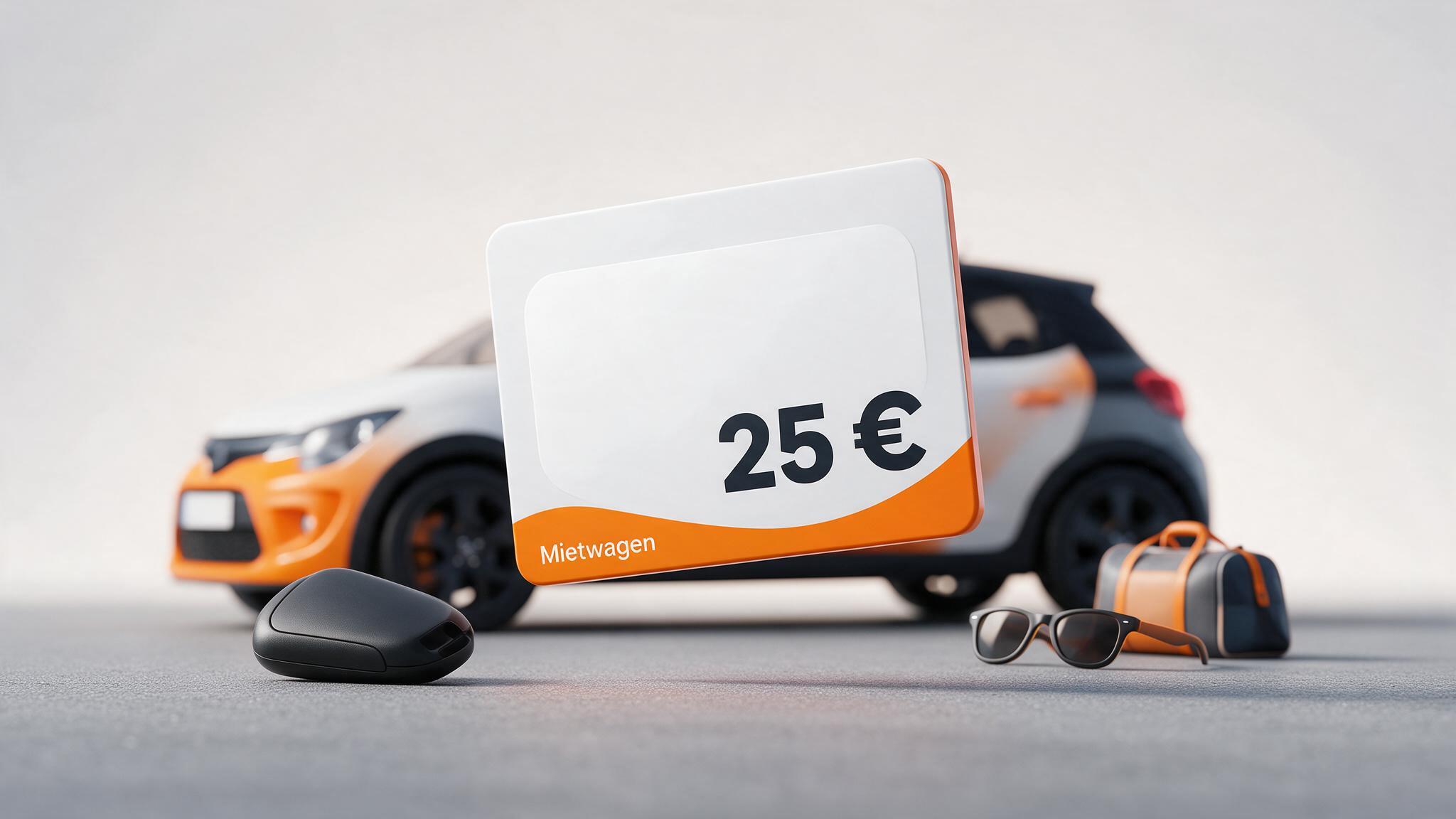
Gift cardsSIXT car-rental voucher
Redeem a SIXT car-rental voucher: validity and deposit
4 min
Łukasz Kafel

Code in seconds
Post-purchase support
Multiple payment methods
Rating0.0
0 ratings
Buy a €25 SIXT car-rental voucher for Germany and redeem it on a new booking using the “Stay flexible” or “Pay later” rate.
25.00 EUR
Choose an amount
0% cashback0ticoins back to your account
Code in seconds
Post-purchase support
Multiple payment methods
Works great for me. I used it twice with zero issues. I will keep using this service. Fast and hassle-free.
Igor P
Fast, 24/7 availability. No additional fees or commissions. Card payments accepted.
Łukasz G
Paysafecard - few formalities, very fast, hassle-free payment, code delivered IMMEDIATELY.
Mateusz N
Updated: 5 September 2026
Payticon currently sells a digital €25 SIXT car-rental voucher for Germany. After payment is confirmed, collect the code from your order page. It reduces the price of an eligible new rental booking.
SIXT itself also sells €50 and €100 value vouchers, while another retailer displays €10, €25 and €50. Those ranges do not change Payticon’s offer: this page sells only the visible €25 variant.
Choose the rental period, station and vehicle group at sixt.de or in the app. Under payment, the booking must use “Stay flexible” or “Pay later”. After selecting extras and protection, enter the code under additional information in “Voucher and bonus programme”.
The voucher cannot be applied retrospectively to an existing booking or a past rental. Current help also says that a booking made with a voucher cannot be modified. Check location, dates, return and vehicle group carefully before placing it.
SIXT does not publish one general validity period for every car-rental voucher. The expiry date on the specific code is decisive. The vehicle must be returned within that validity, not merely booked before the date.
Do not substitute 36 months from a reseller or the duration of a SIXT share or promotional voucher. Check the code before selecting the rental period.
The Payticon variant is catalogued for Germany. SIXT also says vouchers work only in selected countries and under their specific offer terms. Confirm that the checkout accepts the code for the station and vehicle group.
The general SIXT page mentions many vehicle categories, but it does not override restrictions attached to a particular code. This page therefore does not promise worldwide acceptance at every station or with every rate.
The voucher reduces the rental price but does not replace pickup requirements. In Germany, SIXT requires a valid driving licence, identity document and an accepted payment method in the main driver’s name.
A valid credit or debit card is needed at pickup for the deposit. Its amount depends on the vehicle group and booking and is displayed by checkout and in the confirmation. A gift card or prepaid payment card does not replace that deposit method.
The public SIXT rent pages do not set one general rule for remaining value on every €25 code, combining vouchers or the voucher amount after cancellation. The specific code data and checkout display are decisive.
Rules such as “one code per ride” or “unused credit expires” come from SIXT share or SIXT ride help and cannot automatically be applied to this car-rental voucher. Ask SIXT before booking when a case is not covered by the supplied terms.
The SIXT voucher redemption guide covers rate selection, validity and the deposit.
A digital €25 car-rental voucher for Germany. It belongs to SIXT rent and not automatically to SIXT share or SIXT ride.
On a new “Stay flexible/Pay later” booking under “Voucher and bonus programme”. Verify the deduction before placing the booking.
Use the expiry date on the specific code. The vehicle must be returned before that date; SIXT does not state one period for every voucher.
No. Use it while creating a new booking; a reservation made with a voucher also cannot be modified.
Yes, an accepted payment method in the main driver’s name is required for the deposit at pickup. The amount depends on the vehicle group.
The general SIXT rent help does not publish one rule for every voucher. Check the €25 code terms and do not import the SIXT share balance rule.
A few simple steps separate you from using the card.
Add to cart as well
Learn more
Create a gift card with your personalized wishes
Gift card
•Anniversary
Our Anniversary
My love, thank you for every day together. With you, every moment feels special.
To:
My Love
From:
Yours always
Gift card
•Thank you
Thanks for being there!
Thank you for your support and kind words. I am lucky to have a friend like you.
To:
My Friend
From:
Grateful me
Gift card
•Birthday
Happy Birthday!
Happy birthday, little explorer! May your day be full of smiles, fun and surprises.
To:
Birthday Champ
From:
Aunt Kate
25.00 EUR
Choose an amount
Stay up to date!
You have 20 payment methods to choose from, and more are coming soon.