

GamesRiot Games Gift Card
How to buy Riot Points and redeem a prepaid code
5 min
Łukasz Kafel

Code in seconds
Post-purchase support
Multiple payment methods
Rating0.0
0 ratings
Buy €10 or €20 of Riot Games credit for a supported German PC account. Redeem the prepaid code in League of Legends, VALORANT or another supported Riot game.
10.00 EUR
Choose an amount
0% cashback0ticoins back to your account
Code in seconds
Post-purchase support
Multiple payment methods
Works great for me. I used it twice with zero issues. I will keep using this service. Fast and hassle-free.
Igor P
Fast, 24/7 availability. No additional fees or commissions. Card payments accepted.
Łukasz G
Paysafecard - few formalities, very fast, hassle-free payment, code delivered IMMEDIATELY.
Mateusz N
Updated: 4 September 2026
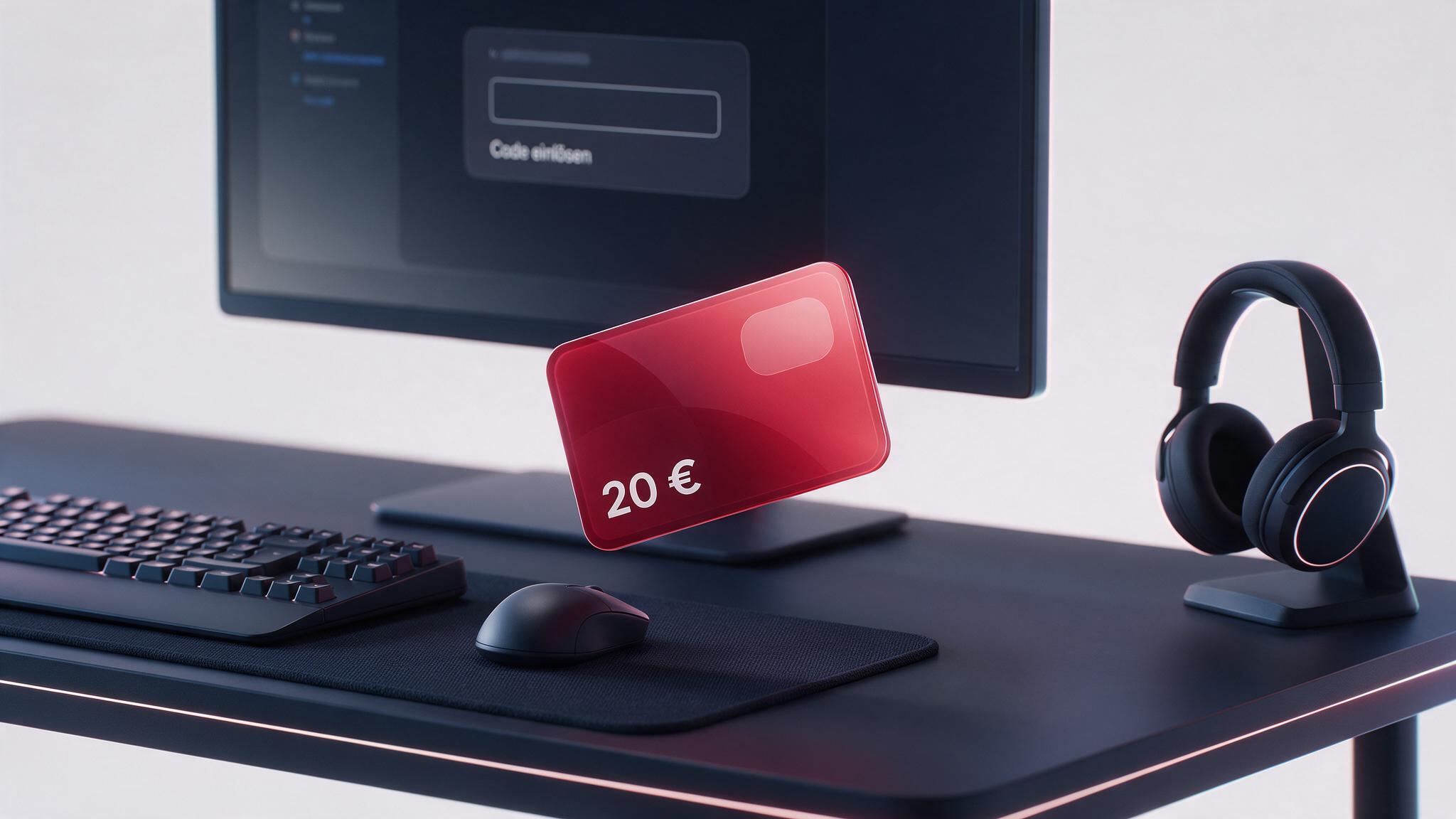
Payticon offers Riot Games prepaid cards in €10 and €20 values. Once payment is confirmed, collect the code from your order page. Before buying, check that the Riot client shows a prepaid option for the recipient’s game, account region and currency.
This is not one shared euro wallet for every Riot title. You redeem the card in a supported game, where its value is converted at the rate displayed for that game’s currency.
Riot Player Support lists prepaid cards for supported PC versions of League of Legends, VALORANT, Teamfight Tactics and Legends of Runeterra. Wild Rift is not included. The option visible in the relevant game client is the final compatibility check.
In-game currency is generally game-specific. Redeem the card in the title where you intend to use it.
Riot distinguishes promotional or content codes from prepaid gift cards. Some ordinary Riot Codes can be redeemed in a browser. The prepaid card sold here must be redeemed in the relevant game client, not at redeem.riotgames.com.
Before gifting the code, verify the recipient’s game, PC platform, account region and currency. You can also use Payticon’s Joy Creator at checkout to prepare a digital greeting. Share the actual prepaid code only with the person who will redeem it.
See the full walkthrough in how to redeem a Riot Games code, or compare other platforms on the gaming credit page.
You can choose €10 or €20. These are the two variants currently active for Germany in the Payticon catalogue.
No, you choose a game when you redeem it. Under Riot’s terms, the resulting game currency is generally tied to that title unless Riot states otherwise at purchase.
No. Riot’s current prepaid-card guidance limits these cards to supported PC games and does not include Wild Rift.
In the relevant game client. Open its store, go to the in-game currency purchase screen, choose the prepaid-card option and enter the code without spaces.
No payment-card details are needed to enter the prepaid code itself. The Payticon purchase and Riot account may still process information required for the transaction, security or account operation.
Generally, no. Riot describes virtual content as a personal, non-transferable licence with no real-world monetary value. Exceptions and statutory consumer rights are governed by the current terms.
Check the game, PC platform, account region, currency and spelling first. Keep your order details. If the prepaid option is available but the code still fails, contact Riot Support; for an order issue, use Payticon contact.
A few simple steps separate you from using the card.
Add to cart as well
Learn more
Create a gift card with your personalized wishes
Gift card
•Anniversary
Our Anniversary
My love, thank you for every day together. With you, every moment feels special.
To:
My Love
From:
Yours always
Gift card
•Thank you
Thanks for being there!
Thank you for your support and kind words. I am lucky to have a friend like you.
To:
My Friend
From:
Grateful me
Gift card
•Birthday
Happy Birthday!
Happy birthday, little explorer! May your day be full of smiles, fun and surprises.
To:
Birthday Champ
From:
Aunt Kate
10.00 EUR
Choose an amount
Stay up to date!
You have 20 payment methods to choose from, and more are coming soon.