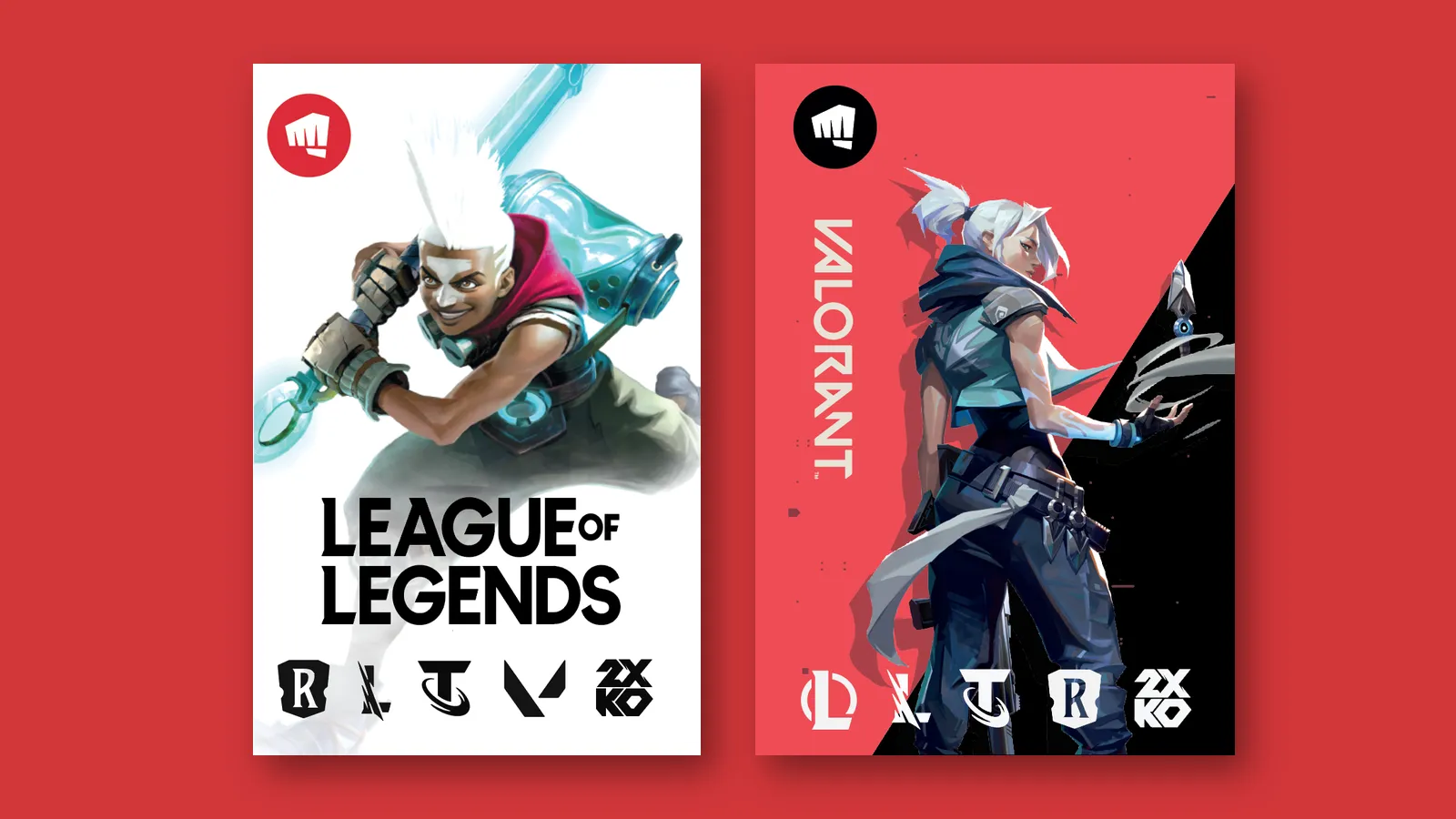
How to buy Riot Points and redeem a prepaid code
 Łukasz Kafel
Table of contents
A Riot Games prepaid card is redeemed at shop.riotgames.com/redeem or in the client of a supported PC game. On the web shop you sign in to your Riot account and enter the code. In the client, choose the game first, open its in-game currency purchase screen and enter the code using the prepaid-card option. It is not the same as a promotional Riot Code that may be redeemed in a browser.
Which Riot Games card can you buy from Payticon?
Payticon currently offers two variants for Germany:
| Value | Payticon variant region | Type |
|---|---|---|
| €10 | Germany | digital Riot Games prepaid card |
| €20 | Germany | digital Riot Games prepaid card |
Collect the code from your order page after payment is confirmed. Buy €10 or €20 of Riot Games credit on the product page.
Which games support the prepaid card?
Riot’s current guidance lists supported PC versions of:
- League of Legends,
- VALORANT,
- Teamfight Tactics,
- Legends of Runeterra.
Wild Rift is not supported. Also check that the prepaid option is available for your game, account and market. The option visible in the relevant client is a better compatibility check than assuming every code works in every Riot title.
How to redeem the card in League of Legends
- Launch the League of Legends client on PC and sign in to the target account.
- Open the Store.
- Go to Purchase RP.
- Select Prepaid cards and codes.
- Enter the code without spaces.
- Review the credit shown and confirm redemption.
Keep your order details until redemption is complete. They may help identify the purchase if an error occurs.
How to redeem the card in VALORANT
- Launch VALORANT and sign in to the account that should receive the currency.
- Select the VALORANT Points icon near the top of the client.
- Choose the displayed Prepaid cards and codes option.
- Enter the code without spaces and confirm it.
The number of points credited depends on the game, market and rate displayed at redemption. We therefore do not promise a fixed RP or VP amount for €10 or €20.
Prepaid card or Riot Code: the important difference
Riot distinguishes prepaid gift cards from other Riot Codes:
| Prepaid card | Promotional or content code | |
|---|---|---|
| Purpose | purchase in-game currency | unlock specific content or promotion |
| Redemption | shop.riotgames.com/redeem or supported game client | client or browser, depending on the code |
| Sold on this Payticon page | yes | no |
Riot’s Riot Codes FAQ states that prepaid gift cards are not redeemed on the general Riot Code website (redeem.riotgames.com). Riot’s 2026 retailer copy points to shop.riotgames.com/redeem or the game client, with instructions at prepaidcards.riotgames.com.
Can you split one code between LoL and VALORANT?
No. You redeem the card in one game and receive that game’s currency. The Riot Terms of Service say game currency is generally limited to the game for which it was purchased unless Riot states otherwise. It has no real-world monetary value and normally cannot be transferred or cashed out.
Check region and currency before buying
The variants on this Payticon page are denominated in euros and intended for Germany. Before buying, confirm:
- You use the supported PC version.
- The client shows Prepaid cards and codes as an option.
- The account market and currency match the offered card.
- You want to use the credit in that specific game.
A blanket promise that the code works on every European server would be too broad. Riot may change availability, prices and regional rules; use the current client and Riot prepaid-card support as the final check.
What if the Riot code does not work?
- Remove spaces and check similar-looking characters.
- Make sure you are entering a prepaid card at shop.riotgames.com/redeem or in the game client, not on the promotional-code page.
- Check the PC platform, game, region and currency.
- Do not try to redeem the same code in multiple games.
- Keep your Payticon order details.
If the correct prepaid option is available but the code is still rejected, contact Riot Player Support. For an order or code-display issue, use Payticon contact.
Compare other platforms in our gaming credit guide.
FAQ
Where can I buy Riot Points?
Payticon sells digital Riot Games prepaid cards for Germany in €10 and €20 values. Collect the code from your order page after payment is confirmed and redeem it in a supported PC game.
How do I redeem a League of Legends prepaid card?
In the League of Legends client, open Store → Purchase RP → Prepaid cards and codes. Enter the code without spaces and review the displayed credit before confirming.
Can I use a Riot Games card in VALORANT?
VALORANT is one of the supported PC games listed by Riot. Redeem the card in the VALORANT client and first check that the prepaid option appears for your account and market.
Does the code work in Wild Rift?
No. Riot’s guidance for these prepaid cards covers supported PC games and excludes Wild Rift.
Can I transfer Riot Points from League of Legends to VALORANT?
Generally, no. Virtual currency is game-specific and is not freely transferable between games or accounts under Riot’s terms.
How many Riot Points do I get for €10 or €20?
Use the amount shown in the client at redemption. Riot can change prices and conversion rates, and RP and VP are separate game currencies.