How to Top Up Xbox and Redeem a Game Pass Code? 2026
 Łukasz Kafel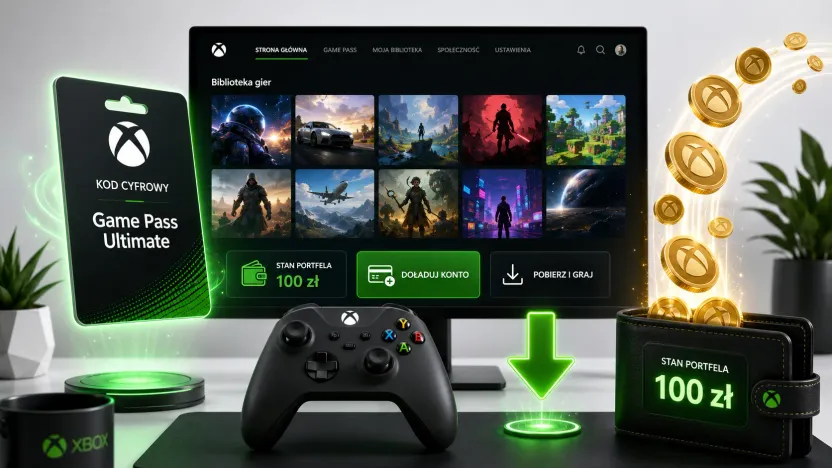
An Xbox code — whether it tops up your Microsoft account or activates an Xbox Game Pass subscription — has 25 characters. You can redeem it on the console, in the Microsoft Store app on Windows or online at redeem.microsoft.com. Funds and subscriptions are added to your Microsoft account.
How to redeem an Xbox code online?
- Buy an Xbox card or Game Pass code — on payticon.com the code lands in your inbox the moment you check out.
- Go to redeem.microsoft.com and sign in to the correct Microsoft account.
- Enter the 25-character code and confirm.
How to redeem an Xbox code on the console?
Press the Xbox button to open the guide → Store → the View button → “Redeem” → enter the code. On a Windows PC: open the Microsoft Store → account → “Redeem a code or gift cards”.
| Redemption method | Path |
|---|---|
| Online | redeem.microsoft.com → sign in → enter the code |
| Xbox console | Xbox button → Store → View → “Redeem” |
| Windows | Microsoft Store → account → “Redeem a code or gift cards” |
How much does an Xbox card cost? What amounts are available?
Xbox gift cards come in several values, while Game Pass codes come in time-based variants (for example, a set subscription period). You’ll find the current amounts and prices on the Xbox product page. Gift card funds top up a single Microsoft account balance, so you can combine them.
Does an Xbox code depend on region and account?
Yes. The card or code must match the region of your Microsoft account. Before redeeming, make sure you’re signed in to the right account — you can’t transfer a code to another account later.
What’s the difference between an Xbox card and Game Pass?
- An Xbox gift card tops up your Microsoft account — you can spend the funds on games, add-ons and apps in the store.
- Xbox Game Pass (Ultimate) is a subscription that gives you access to a games catalogue; the code activates a chosen period. Note: Game Pass is a recurring subscription, so when you redeem it Microsoft usually asks you to add a payment method (as of July 2026) — a card is required on the console and in the app, and the option to skip it is often available only at
redeem.microsoft.com. After redeeming, you can turn off auto-renewal to avoid being charged once the period ends.
| Code type | What it’s for |
|---|---|
| Xbox gift card | Funds on your Microsoft account (games, add-ons, apps) |
| Xbox Game Pass / Ultimate | Subscription access to the games catalogue |
What to do when an Xbox code doesn’t work?
Before reporting a problem, check the following:
- Typo — enter the code exactly (0/O, 1/I/L) or copy it from the email.
- Region — the card must match the region of your Microsoft account.
- Account — make sure you’re redeeming the code on the right account.
- Code already used — each code works only once.
If that doesn’t help, contact Microsoft support with your proof of purchase on hand.
An Xbox card as a gift for a gamer
An Xbox card or Game Pass code is a spot-on gift for a gamer — the code arrives by email instantly, and the recipient picks their own game or extends their access to the catalogue. See more ideas in our guide to top-ups and gift cards for gamers.
How many characters does an Xbox code have?
Both an Xbox code and a Game Pass code have 25 characters.
Where can I redeem an Xbox code?
At redeem.microsoft.com, on the console (Xbox button → Store → “Redeem”) or in the Microsoft Store on Windows.
How much does an Xbox card cost?
Xbox cards come in several amounts, and Game Pass in time-based variants. You’ll find current prices on the Xbox product page.
An Xbox code isn’t working — what should I do?
Check for typos (0/O, 1/I/L), confirm the region matches, make sure you’re on the right account, and check that the code hasn’t already been used. If that doesn’t help, contact Microsoft support with your proof of purchase.
Does an Xbox code depend on the region?
Yes. The card or code must match the region of your Microsoft account. Also make sure you’re redeeming it on the right account.
Does a Game Pass code require adding a payment card?
Usually yes — Game Pass is a recurring subscription, so when you redeem it Microsoft asks for a payment method (it’s required on the console and in the app; at redeem.microsoft.com there’s sometimes an option to skip it). To avoid being charged after the period from your code, turn off auto-renewal.
Where can I buy an Xbox or Game Pass card with email delivery?
At payticon.com — the code arrives by email instantly, with no commission and “ticony” cashback.
See also: how to top up your Steam wallet and how to top up PlayStation Store (PSN). Ready to buy? Get an Xbox card — delivered by email in moments.
Table of contents
- How to redeem an Xbox code online?
- How to redeem an Xbox code on the console?
- How much does an Xbox card cost? What amounts are available?
- Does an Xbox code depend on region and account?
- What’s the difference between an Xbox card and Game Pass?
- What to do when an Xbox code doesn’t work?
- An Xbox card as a gift for a gamer