


GamesSteam Gift CardPaysafecardPaysafeCard Players Pass Flex 20–600 PLN
How to Top Up Your Steam Wallet With a Code? 2026
5 min
Łukasz Kafel
PIN on the order page
Post-purchase support
Multiple payment methods
Rating0.0
0 ratings
PaysafeCard Players Pass is a 16-digit paysafecard PIN for the Steam checkout, not a code for "Redeem a Steam Wallet Code". A payment over PLN 200 using the PIN alone may require a paysafecard account.
20.00 PLN
Choose an amount
0% cashback0ticoins back to your account
PIN on the order page
Post-purchase support
Multiple payment methods
Works great for me. I used it twice with zero issues. I will keep using this service. Fast and hassle-free.
Igor P
Fast, 24/7 availability. No additional fees or commissions. Card payments accepted.
Łukasz G
Paysafecard - few formalities, very fast, hassle-free payment, code delivered IMMEDIATELY.
Mateusz N
Updated: 24 October 2026
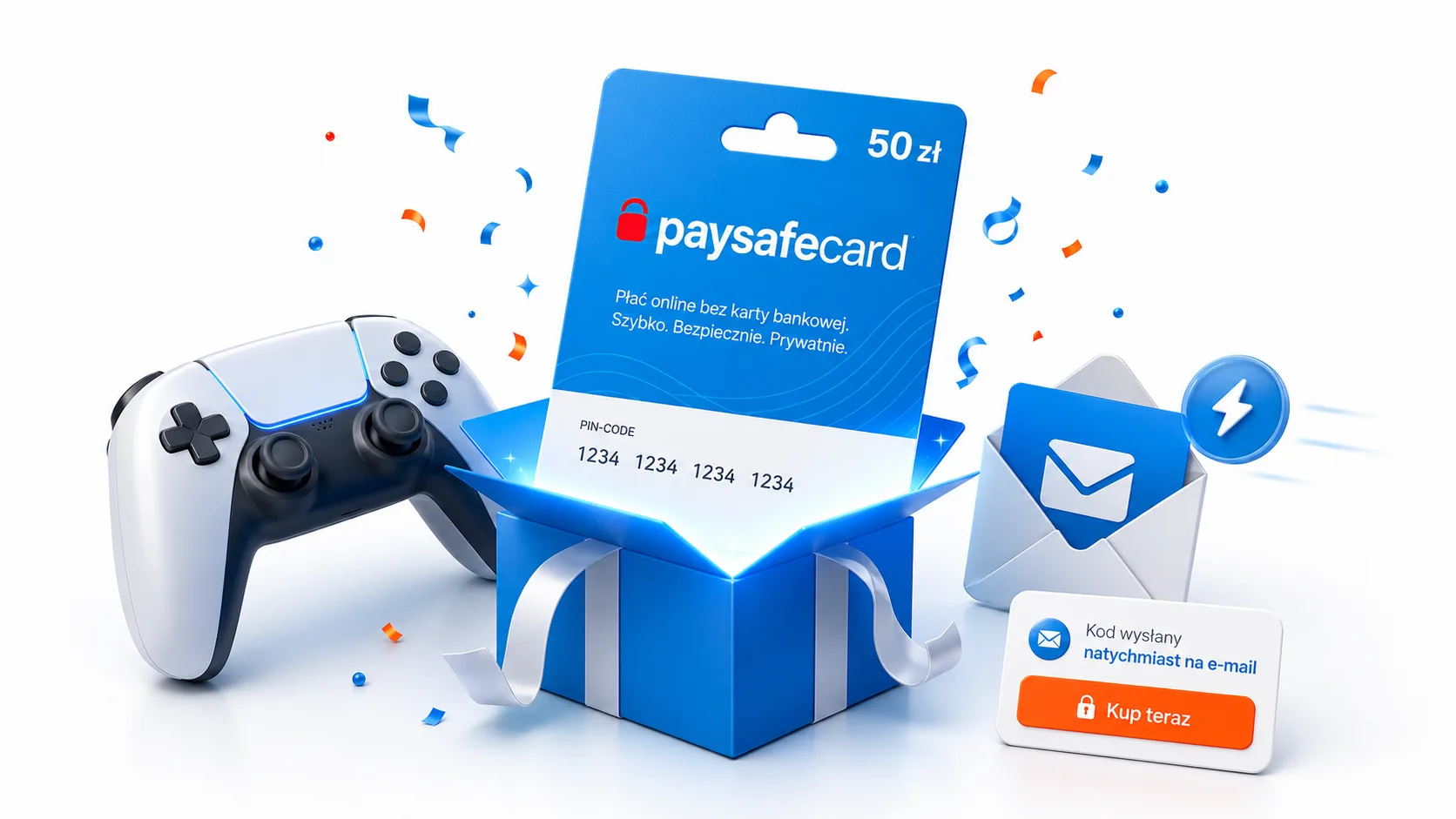
PaysafeCard Players Pass is a 16-digit paysafecard PIN in Polish zloty (PLN). Use it at the Steam checkout and at other game stores that accept paysafecard. Check that PaysafeCard is available at the Steam checkout for your account before you buy.
Choose a fixed value of 20, 30, 50, 100 or 200 PLN, or enter any amount from 40 to 600 PLN. Pay for your order with BLIK. The payment cost appears in the basket before you confirm the order.
In your Steam basket, or when adding funds to your Steam Wallet, choose PaysafeCard and enter the PIN in the operator’s payment window. Follow the steps in the official paysafecard guide.
This paysafecard PIN is not a Steam Wallet code. Do not enter it under “Redeem a Steam Wallet Code”. A 600 PLN PIN does not raise the PLN 200 limit for a payment made with the PIN alone.
Read more in How to top up your Steam Wallet and the paysafecard guide. For general online payments, see paysafecard.
Unused funds stay on the PIN. After 30 days, the issuer deducts a monthly fee from the remaining balance. Check the PIN terms and the issuer’s fees and limits before leaving funds unused.
It is a 16-digit paysafecard PIN for games and other services that accept this payment method. The PIN has a value in PLN. You do not provide bank card details when you use it.
No. It is a paysafecard PIN for the Steam checkout, not a code for “Redeem a Steam Wallet Code”. A payment over PLN 200 using the PIN alone may require a paysafecard account.
Open your basket or choose “Add funds to your Steam Wallet”. Select PaysafeCard as the payment method, enter the 16-digit PIN in the operator’s payment window and confirm. If the operator asks you to sign in to a paysafecard account, follow the steps shown there.
Fixed values are 20, 30, 50, 100 and 200 PLN. You can also enter any amount from 40 to 600 PLN. Use the fixed-value buttons to choose 20 or 30 PLN.
After payment is confirmed, collect the PIN on the order page. Keep access to the page and do not share the PIN with anyone else.
Your paysafecard code is delivered digitally after payment. If there is an issue with delivery or an order placed with Payticon, our team will help investigate it.
A few simple steps separate you from using the card.
Add to cart as well
Learn more
Create a gift card with your personalized wishes
Gift card
•Anniversary
Our Anniversary
My love, thank you for every day together. With you, every moment feels special.
To:
My Love
From:
Yours always
Gift card
•Thank you
Thanks for being there!
Thank you for your support and kind words. I am lucky to have a friend like you.
To:
My Friend
From:
Grateful me
Gift card
•Birthday
Happy Birthday!
Happy birthday, little explorer! May your day be full of smiles, fun and surprises.
To:
Birthday Champ
From:
Aunt Kate
20.00 PLN
Choose an amount
Stay up to date!
You have 20 payment methods to choose from, and more are coming soon.